If you’re searching for How to Get WhatsApp Business API, you’re likely looking for a reliable way to improve customer communication, automate conversations, and grow your business more efficiently. Understanding How to Get WhatsApp Business API is becoming increasingly important as businesses shift toward instant messaging to connect with their customers. With more than 2 billion active users worldwide, WhatsApp has become one of the most trusted communication platforms for businesses of all sizes. Whether you run an e-commerce store, healthcare clinic, educational institute, real estate company, or digital marketing agency, learning How to Get WhatsApp Business API can help you streamline operations and deliver a better customer experience.
Unlike the free WhatsApp Business App, the WhatsApp Business API is built for businesses that need advanced communication features. Once you understand How to Get WhatsApp Business API, you can integrate it with CRM software, AI chatbots, customer support systems, marketing automation tools, and websites. This enables your business to automate replies, manage multiple customer conversations from a single dashboard, send order confirmations, appointment reminders, payment notifications, and promotional campaigns while maintaining a professional brand presence.
One of the biggest reasons businesses want to know How to Get WhatsApp Business API is its ability to improve customer engagement and increase sales. Customers today expect quick responses, personalized communication, and seamless support across every touchpoint. The WhatsApp Business API helps businesses meet these expectations by providing automation, multi-agent support, secure messaging, and rich media sharing. As a result, businesses can respond faster, reduce manual work, improve lead conversion, and strengthen customer relationships.
However, understanding How to Get WhatsApp Business API involves more than simply signing up. Businesses must meet Meta’s eligibility requirements, verify their business account, register a dedicated phone number, choose the right Business Solution Provider, and configure the API correctly. Following the right process ensures a smooth approval and successful implementation.
In this complete guide, you’ll discover How to Get WhatsApp Business API from start to finish. We’ll explain the eligibility requirements, setup process, pricing structure, key features, business benefits, common mistakes to avoid, and proven best practices. By the end of this guide, you’ll have a clear understanding of How to Get WhatsApp Business API and how it can help your business automate communication, improve customer satisfaction, and drive long-term growth.
What is WhatsApp Business API?
Before understanding How to Get WhatsApp Business API, it’s important to know what it actually is.
The WhatsApp Business API is an official solution provided by Meta that enables businesses to communicate with customers securely and professionally. Unlike the free WhatsApp Business App, the API doesn’t have its own interface. Instead, it connects with third-party CRM systems, automation platforms, customer support software, and chatbot solutions.
Businesses use the API to:
- Automate customer conversations
- Send order confirmations
- Deliver appointment reminders
- Share shipping updates
- Send promotional campaigns
- Provide instant customer support
- Generate quality leads
- Build customer relationships
The API is ideal for companies handling hundreds or thousands of customer conversations every day.

Why Businesses Need WhatsApp Business API
Why Businesses Need WhatsApp Business API
Learning How to Get WhatsApp Business API is only the first step. Understanding why businesses are investing in it is just as important. As customer expectations continue to evolve, businesses need faster, smarter, and more reliable ways to communicate. This is exactly where How to Get WhatsApp Business API becomes a valuable solution for companies looking to improve customer engagement and streamline communication.
Traditional communication channels such as email often struggle with low open rates and delayed responses. SMS marketing can be expensive, offers limited functionality, and may not deliver the level of engagement businesses expect. In comparison, WhatsApp provides significantly higher message open rates and faster response times, making it one of the most effective communication platforms available today. Businesses researching How to Get WhatsApp Business API often do so because they want to reach customers on a platform they already use every day.
Another major advantage of How to Get WhatsApp Business API is automation. Instead of manually responding to every inquiry, businesses can automate greetings, order confirmations, payment reminders, appointment notifications, shipping updates, and customer support. This not only saves time but also improves the overall customer experience.
Companies that implement How to Get WhatsApp Business API can also integrate the platform with CRM software, AI chatbots, marketing automation tools, and customer support systems. This allows teams to manage thousands of customer conversations from a single dashboard while maintaining personalized communication.
Beyond automation, How to Get WhatsApp Business API helps businesses increase lead generation, improve customer retention, and build long-term relationships. Features such as multi-agent support, rich media messaging, interactive buttons, and verified business profiles create a more professional and trustworthy customer experience.
Whether you operate an e-commerce store, healthcare clinic, educational institution, real estate agency, or service-based business, understanding How to Get WhatsApp Business API can help you reduce response times, improve operational efficiency, increase sales, and deliver exceptional customer support in today’s competitive digital marketplace.

Some major benefits include:
- Higher customer engagement
- Faster response times
- Automated replies
- Personalized communication
- CRM integration
- Multi-agent support
- Verified business profile
- Rich media sharing
- Better customer satisfaction
- Improved sales conversions
Businesses across industries—including healthcare, education, e-commerce, finance, real estate, travel, and retail—are using WhatsApp Business API to streamline customer communication.
WhatsApp Business App vs WhatsApp Business API
Many people confuse the free app with the API. Here’s a quick comparison.
| WhatsApp Business App | WhatsApp Business API |
|---|---|
| Free to use | Paid solution |
| Single user | Multiple users |
| Manual messaging | Automated messaging |
| Limited features | Advanced automation |
| Basic catalog | CRM integration |
| No chatbot | AI chatbot support |
| No automation | Marketing automation |
| Small businesses | Medium & Large businesses |
If your business is growing rapidly, learning How to Get WhatsApp Business API becomes essential.
Who Can Apply for WhatsApp Business API?
One of the most common questions is whether every business can access the API.
The answer is yes—provided you meet Meta’s requirements.
Your business should have:
- A registered business
- A working website
- A verified Facebook Business Manager account
- A valid phone number
- Compliance with Meta’s Commerce Policy
- Genuine products or services
Businesses involved in restricted industries may not receive approval.
Requirements Before Applying
Before beginning the process of How to Get WhatsApp Business API, make sure you have the following ready.
1. Facebook Business Manager
Your company should have an active Meta Business Manager account.
2. Business Verification
Meta may ask you to verify your business using official registration documents.
3. Phone Number
The phone number should not already be connected to an active WhatsApp account.
4. Business Website
A professional website increases approval chances and builds trust.
5. Privacy Policy
Your website should include a Privacy Policy explaining how customer information is collected and used.
6. Business Email
Use a domain-based professional email rather than a free Gmail account whenever possible.
Step-by-Step Process: How to Get WhatsApp Business API
Now let’s understand the complete process of How to Get WhatsApp Business API.
Step 1 – Create a Meta Business Account
Visit Meta Business Manager and create your business profile.
You’ll need:
- Business name
- Email address
- Business details
- Website
- Phone number
Step 2 – Verify Your Business
Meta will review your business information and may ask for:
- GST Certificate
- Business Registration Certificate
- Utility Bill
- Tax Documents
- Government-issued Business Proof
Verification may take anywhere from a few hours to several days, depending on your submission.
Step 3 – Choose an Official WhatsApp Business Solution Provider (BSP)
Meta generally works through approved Business Solution Providers (BSPs), who simplify setup and offer additional tools such as dashboards, chatbot integration, analytics, and customer support.
Choosing the right BSP ensures faster onboarding, easier template management, and smoother API integration.
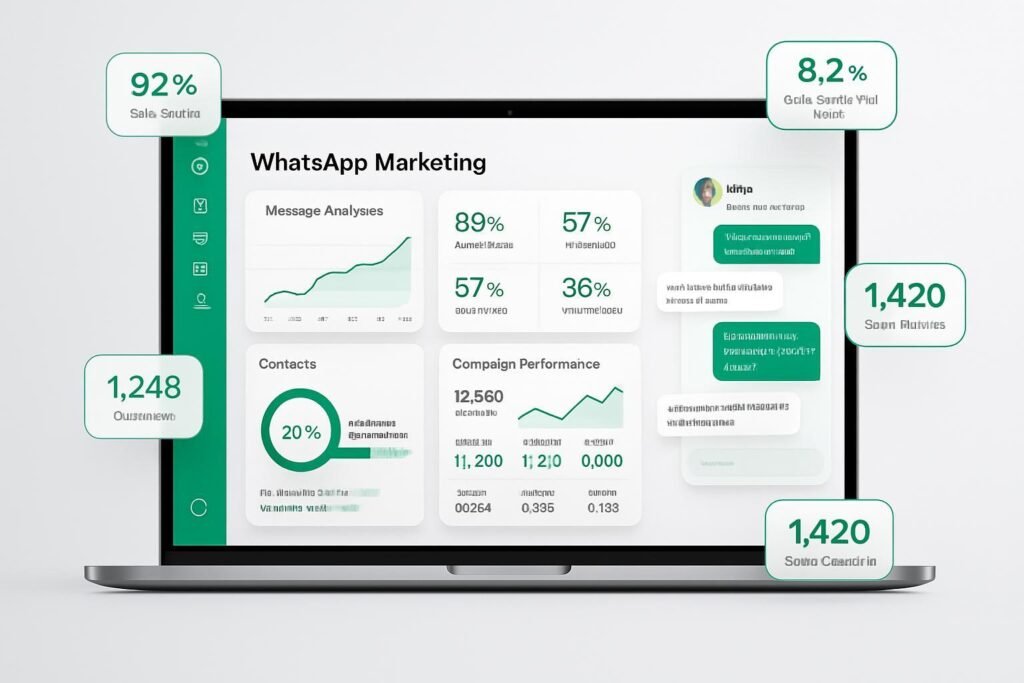
Connect Your Business Phone Number
To use the How to Get WhatsApp Business API, you need a dedicated business phone number that is not currently registered with WhatsApp Messenger or the WhatsApp Business App. During the setup process, Meta verifies this number through an OTP sent via SMS or voice call. Once the verification is complete, this number becomes your official WhatsApp Business API number and can be connected with your business communication platform.
Get Your Business Name Approved
Your business display name is the identity customers will see while chatting with you on WhatsApp. Meta reviews this name before approval, so it should exactly match your registered business name, website, or legal documents. Avoid adding promotional words, unnecessary symbols, or keywords in the display name, as they may delay the approval process. A professional and consistent business name helps build customer trust.
Integrate WhatsApp Business API with Your Existing Software
One of the biggest advantages of the How to Get WhatsApp Business API process is the ability to integrate it with your existing business tools. Once activated, the API can be connected with CRM software, customer support platforms, chatbots, eCommerce websites, and marketing automation systems. This allows businesses to manage customer conversations, sales inquiries, support tickets, and follow-ups from a single dashboard while reducing manual work.
Create and Get Your Message Templates Approved
Unlike the free WhatsApp Business App, the API allows businesses to send proactive notifications using pre-approved message templates. These templates can be used for order confirmations, shipping updates, payment reminders, appointment notifications, OTP verification, promotional campaigns, and customer follow-ups. Every template is reviewed by Meta to ensure it follows WhatsApp’s messaging policies, helping businesses maintain high-quality communication with their customers.
WhatsApp Business API Pricing
Before deciding How to Get WhatsApp Business API, it’s important to understand the pricing structure. WhatsApp Business API does not have a fixed monthly fee from Meta. Instead, businesses are charged based on conversation categories such as Marketing, Utility, Authentication, and Service conversations. In addition to Meta’s conversation charges, your chosen Business Solution Provider (BSP) may charge setup fees, platform subscription fees, chatbot charges, or CRM integration costs depending on the services you require. Choosing the right provider based on features and support is more important than selecting the cheapest option.
Powerful Features of WhatsApp Business API
Businesses choose the How to Get WhatsApp Business API solution because it offers advanced features that go far beyond the regular WhatsApp Business App. Whether your goal is to improve customer support, automate marketing, or increase sales, the API provides everything needed to scale your communication.
Multi-Agent Access
The WhatsApp Business API allows multiple team members to manage customer conversations from a single WhatsApp number. Sales teams, customer support executives, and marketing professionals can work together without sharing one device, ensuring faster response times and a better customer experience.
Automated Customer Responses
Automation is one of the biggest advantages of using the API. Businesses can automatically send welcome messages, away messages, order confirmations, payment reminders, appointment confirmations, and follow-up messages without any manual effort. This saves time while ensuring customers receive instant responses.
AI Chatbot Integration
The API supports chatbot integration, allowing businesses to provide 24/7 customer support. A chatbot can answer frequently asked questions, collect customer information, qualify leads, book appointments, recommend products, and even transfer conversations to a live agent whenever required. This reduces workload and improves customer satisfaction.
CRM Integration
One of the strongest reasons businesses search for How to Get WhatsApp Business API is its seamless CRM integration. It can be connected with popular CRM platforms, enabling businesses to store customer details, manage leads, track conversations, schedule follow-ups, and personalize communication from a single dashboard.
Broadcast Messaging
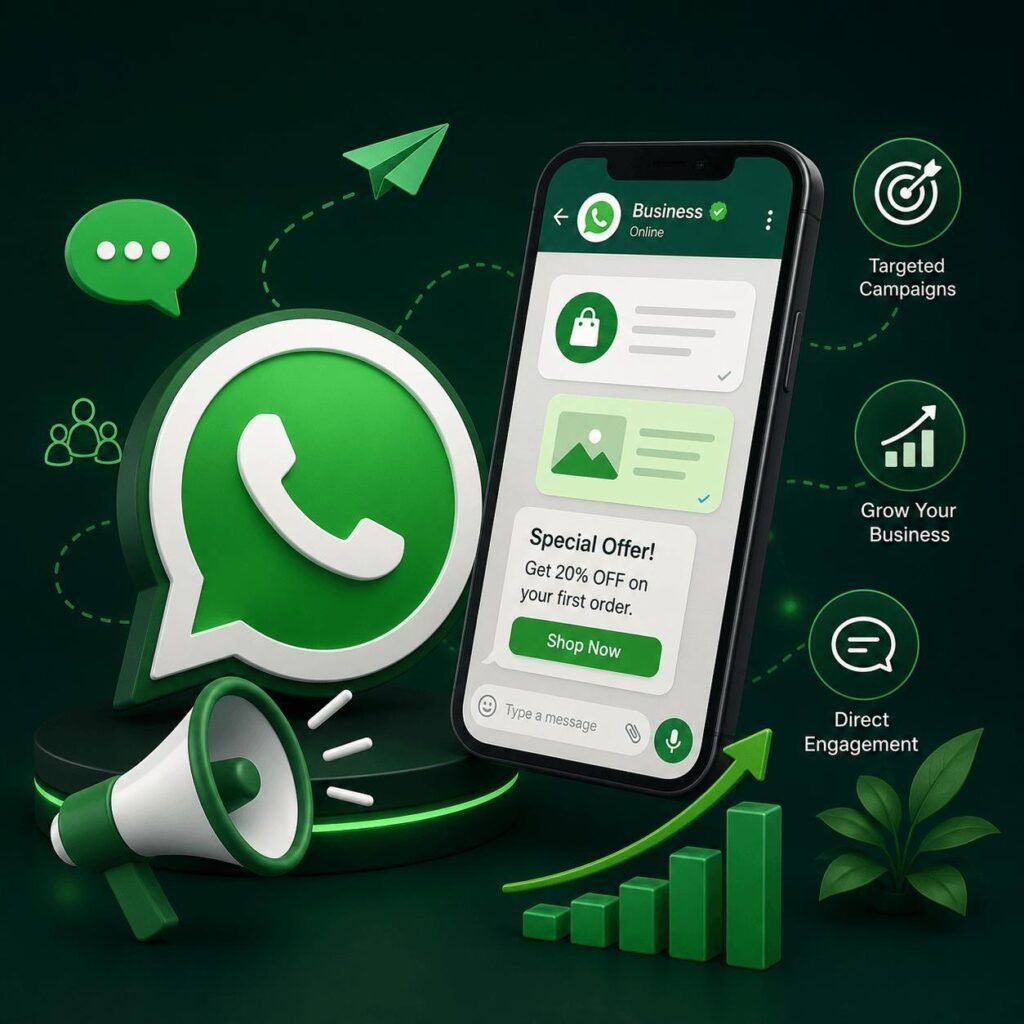
With customer consent, businesses can send promotional campaigns, product launches, festive offers, discount notifications, and important announcements to thousands of customers at once. Unlike traditional bulk messaging, WhatsApp Business API offers much higher open and engagement rates, making it an effective marketing channel.
Rich Media Messaging
The API supports more than just text messages. Businesses can send images, videos, PDFs, invoices, catalogs, brochures, voice notes, location details, interactive buttons, and quick reply options. Rich media helps create a more engaging and professional customer experience.

Benefits of WhatsApp Business API
After understanding How to Get WhatsApp Business API, it’s equally important to know how it can transform your business communication and improve customer relationships.
Improve Customer Engagement
Customers prefer chatting on WhatsApp because it’s fast, familiar, and convenient. Businesses using the API often experience significantly higher engagement compared to email or SMS marketing.
Increase Sales and Conversions
Quick responses and personalized conversations help convert more inquiries into paying customers. Automated follow-ups also reduce lost leads and improve conversion rates.
Deliver Faster Customer Support
Customers no longer have to wait for business hours. Automated workflows and multi-agent support ensure queries are resolved quickly, leading to higher customer satisfaction.
Save Time Through Automation
Routine tasks such as answering common questions, sending reminders, confirming appointments, and sharing order updates can all be automated, allowing your team to focus on more important business activities.
Build Trust with Customers
An official business profile, consistent communication, and timely responses help establish credibility. Customers feel more confident interacting with businesses that use the official WhatsApp Business API.
Scale Communication Without Increasing Workload
Whether you’re handling 100 conversations a day or 10,000, the API allows your business to grow without compromising the quality of customer support.
Industries That Can Benefit from WhatsApp Business API
The How to Get WhatsApp Business API solution is suitable for businesses across almost every industry, including:
- E-commerce Stores
- Healthcare Clinics & Hospitals
- Educational Institutions
- Real Estate Companies
- Travel Agencies
- Restaurants & Cafés
- Retail Businesses
- Finance & Insurance
- Automobile Dealers
- Digital Marketing Agencies
- Coaching Institutes
- Salons & Spas
- Fitness Centers
- Logistics & Delivery Services
- Service-Based Businesses
No matter the industry, businesses can use WhatsApp Business API to improve communication, automate customer interactions, and deliver a better overall customer experience.
Best Practices for Using WhatsApp Business API
Getting access to the How to Get WhatsApp Business API is only the beginning. To achieve the best results, businesses should follow proven strategies that improve customer engagement while staying compliant with WhatsApp’s policies.
Always Get Customer Consent
Before sending promotional or marketing messages, make sure your customers have opted in to receive communication from your business. Sending unsolicited messages can reduce your quality rating and may even lead to restrictions on your account.
Personalize Every Conversation
Customers respond better to personalized messages than generic broadcasts. Use the customer’s name, previous purchase history, or inquiry details whenever possible to create a more meaningful conversation.
Respond Quickly
Fast response times build trust and improve customer satisfaction. Even if your team is unavailable, automated replies can acknowledge customer inquiries and let them know when to expect a response.
Use Automation Wisely
Automation should make conversations easier—not robotic. Set up chatbots and automated workflows for repetitive tasks, but ensure customers can easily connect with a human agent whenever needed.
Monitor Performance Regularly
Track important metrics such as message delivery rates, response times, customer satisfaction, and conversion rates. Analyzing performance helps you improve your campaigns and customer communication strategy over time.
Follow WhatsApp’s Messaging Policies
Always use approved message templates and avoid sending excessive promotional messages. Staying compliant with Meta’s guidelines protects your account and maintains a positive reputation with customers.
Frequently Asked Questions
Is WhatsApp Business API free?
No. Meta charges businesses based on conversation categories, and your Business Solution Provider may also charge platform or setup fees depending on the services you choose.
Can small businesses use WhatsApp Business API?
Yes. Small businesses can use the API if they require automation, CRM integration, chatbots, or multi-agent access. However, businesses with basic communication needs may find the free WhatsApp Business App sufficient.
Can I use my existing WhatsApp number?
Yes, but the number must meet Meta’s eligibility requirements. If it is currently active on WhatsApp Messenger or WhatsApp Business App, it may need to be migrated before it can be used with the API.
How long does approval take?
The approval process varies depending on business verification and document accuracy. In many cases, approval is completed within a few hours, while some applications may take several business days.
Is WhatsApp Business API suitable for marketing?
Yes. Businesses can send promotional campaigns, product updates, and special offers using approved message templates, provided customers have given consent to receive marketing communications.
Conclusion
Understanding How to Get WhatsApp Business API is essential for businesses that want to improve customer communication, automate repetitive tasks, and grow more efficiently. From managing customer support and sending automated notifications to integrating with CRM systems and AI chatbots, WhatsApp Business API provides a powerful platform for modern business communication.
Choosing the right implementation partner and following WhatsApp’s best practices will help you maximize engagement, build stronger customer relationships, and increase conversions. As more customers prefer messaging over traditional communication channels, investing in WhatsApp Business API can give your business a significant competitive advantage.
About Saurabh Kumar
With 15+ years of experience in Digital Marketing, Saurabh Kumar has helped businesses establish a strong online presence through advanced digital marketing solutions and business automation. From Website Development and SEO to Google Ads, Social Media Marketing, WhatsApp Marketing, AI Chatbots, CRM Integration, and Marketing Automation, he provides end-to-end solutions designed to help businesses generate more leads and achieve sustainable growth.
Digital Marketing India
Address:
S15-00709, Vaidehi Niwas, Bhairomunna Link Road,
Sahnewal, Ludhiana, Punjab – 141120
Contact: +91 76966 77728
Whether you’re planning to implement WhatsApp Business API, automate customer communication, or grow your business through digital marketing, expert guidance can help you achieve faster and more effective results.