Introduction: Why Businesses Need a WhatsApp Chatbot
Customers expect businesses to respond quickly, especially when they contact a brand through WhatsApp. However, responding manually to every enquiry, sharing product information, answering FAQs, qualifying leads, and following up with customers can consume a significant amount of time. This is where a WhatsApp chatbot can make a major difference.
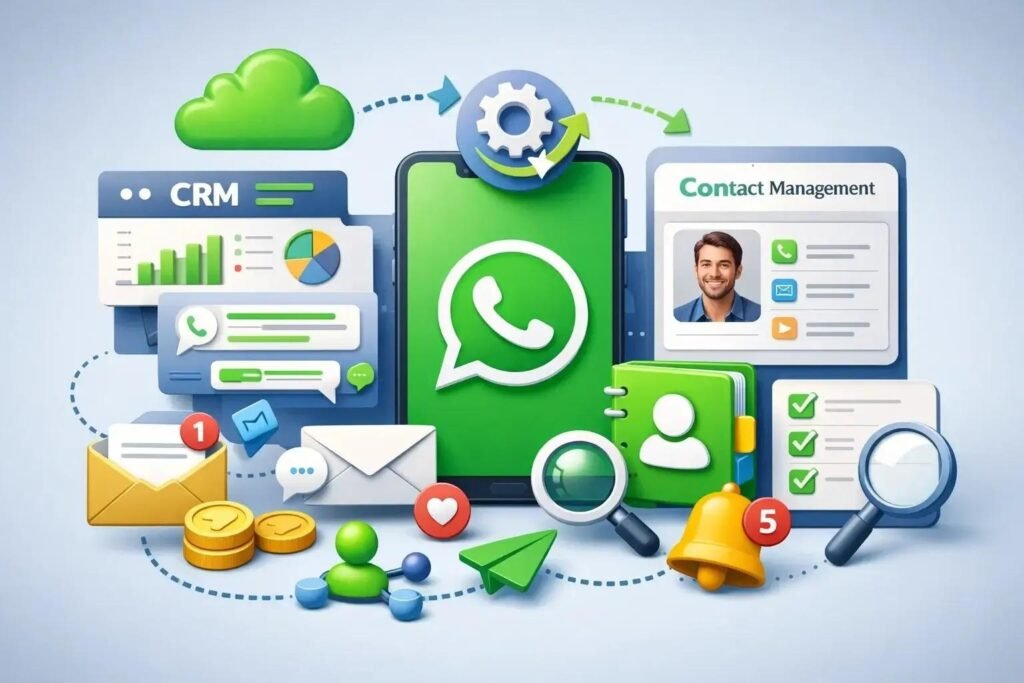
A WhatsApp chatbot is an automated communication system that interacts with customers through WhatsApp. It can answer frequently asked questions, collect customer details, share information, qualify leads, send notifications, and even connect conversations with a CRM or other business systems. Instead of making customers wait for a human representative, businesses can provide instant responses 24/7.
For small businesses, startups, service providers, e-commerce companies, educational institutions, real estate companies, healthcare businesses, and large enterprises, WhatsApp automation can improve customer communication while reducing repetitive work.
The good news is that getting a WhatsApp chatbot does not necessarily require a complicated technical setup. With the right strategy, business WhatsApp account, automation platform, and development partner, you can create a chatbot that matches your business requirements.
In this guide, we will explain how to get a WhatsApp chatbot, what you need before development, how the setup works, what features you can include, how much value it can provide, and how businesses can use WhatsApp automation for marketing, sales, and customer support.
What Is a WhatsApp Chatbot?
A WhatsApp chatbot is an automated software solution that communicates with customers on WhatsApp using predefined workflows, automated replies, integrations, and, in advanced cases, artificial intelligence.
Unlike a normal WhatsApp conversation where a person needs to manually answer every message, a chatbot can automatically understand selected customer requests and respond according to the workflow created for the business.
For example, imagine a customer sends:
Customer: “I want to know your pricing.”
The chatbot could immediately respond:
Bot: “Sure! Please select the service you are interested in:
- SEO
- Website Development
- Social Media Marketing
- Google Ads”
The customer selects an option and the chatbot continues the conversation.
A well-designed WhatsApp chatbot can handle repetitive conversations while allowing human team members to take over when a customer needs personal assistance.
Businesses can use chatbots for:
- Customer support
- Lead generation
- Appointment booking
- Order tracking
- Product enquiries
- Service enquiries
- FAQs
- Customer feedback
- Payment reminders
- Promotional campaigns
- Lead qualification
- Customer follow-ups
- Notifications and alerts
- CRM integration
- Marketing automation
The main purpose is not to replace human communication completely. Instead, the goal is to automate repetitive conversations and allow employees to focus on conversations that require human judgement.
1. Define Your Business Goal Before Getting a WhatsApp Chatbot
Before investing in a WhatsApp chatbot, the first step is to identify exactly what you want the chatbot to accomplish.
Many businesses make the mistake of starting with technology instead of business objectives. A chatbot should solve a communication or operational problem.
Ask yourself:
- Do you want more leads?
- Do you want faster customer support?
- Do you want to automate FAQs?
- Do you want to book appointments?
- Do you want to automate order updates?
- Do you want to qualify leads before a sales representative calls?
- Do you want to connect WhatsApp with your CRM?
- Do you want to send automated reminders?
- Do you want to reduce repetitive customer queries?
For example, a dental clinic may need a chatbot that helps customers book appointments. A real estate company may need one that collects location, budget, and property preferences. An e-commerce business may require automated order updates and customer support.
Once your goal is clear, the chatbot workflow becomes easier to design.
A professional WhatsApp chatbot should be created around the customer’s journey rather than simply adding dozens of automated messages.
2. Choose the Right WhatsApp Chatbot Setup
The next step is deciding how your WhatsApp chatbot will be connected to your business WhatsApp communication.
Businesses generally need an official WhatsApp Business setup and a suitable API-based solution for advanced automation. Depending on the business requirement, the setup may include a WhatsApp Business account, API access, chatbot software, automation workflows, and integrations.
The right setup depends on factors such as:
- Business size
- Number of customer conversations
- Number of agents
- Required automation
- CRM requirements
- Marketing requirements
- Customer support requirements
- Integration requirements
- Budget
- Expected message volume
A basic automation system may be enough for a small business that only wants to answer FAQs and collect leads.
A larger organization may require a complete communication system involving a WhatsApp chatbot, multiple customer support agents, CRM integration, analytics, automation rules, and lead distribution.
Therefore, avoid choosing a solution only because it is inexpensive. Consider scalability and long-term requirements.
3. Plan the WhatsApp Chatbot Conversation Flow
A successful WhatsApp chatbot depends heavily on its conversation flow.
Before development starts, map out the questions customers are most likely to ask and the actions you want them to take.
A simple flow could look like this:
Welcome Message → Main Menu → Customer Requirement → Information Collection → Lead Qualification → Human Team
For example:
Welcome:
“Hi! Welcome to Digital Marketing India. How can we help you today?”
Options:
- Website Development
- SEO Services
- Social Media Marketing
- Paid Advertising
- WhatsApp Automation
- Talk to an Expert
If the customer selects SEO, the chatbot can ask:
“Are you looking for Local SEO, E-Commerce SEO, or Complete SEO?”
It can then collect:
- Name
- Business name
- Phone number
- Website
- Location
- Requirement
- Preferred callback time
The information can be transferred to a CRM or sales team.
The advantage of a structured WhatsApp chatbot flow is that customers do not have to repeatedly explain their requirements. The business receives organized information that can be used for follow-up.
Keep your initial flow simple. Too many options can confuse users and make the experience frustrating.
4. Add Useful WhatsApp Chatbot Features
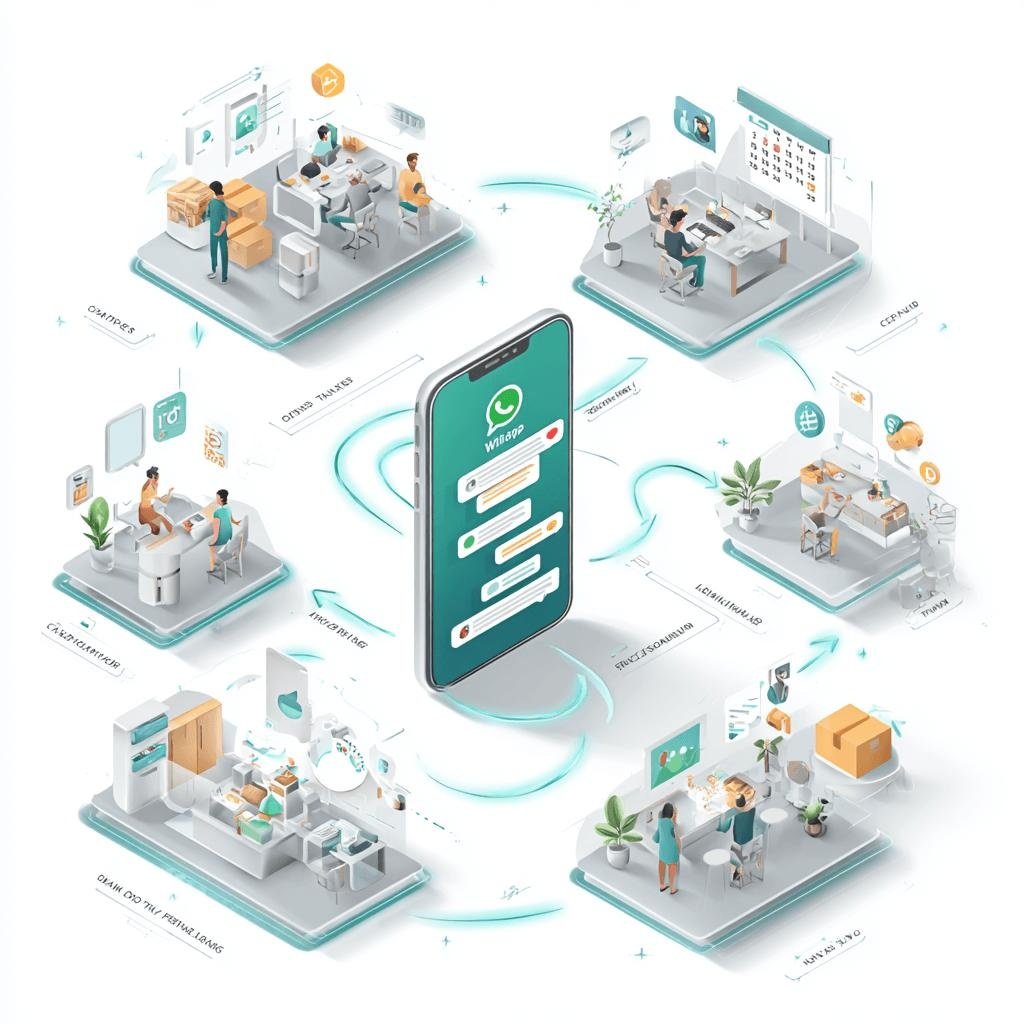
Once the basic flow is planned, you can decide which features your WhatsApp chatbot should include.
Different businesses require different features. Some of the most useful options include:
Automated FAQs
The chatbot can answer common questions about:
- Services
- Pricing
- Business hours
- Locations
- Delivery
- Payment methods
- Policies
- Appointment availability
Lead Generation
The chatbot can automatically collect customer information and create a lead.
Lead Qualification
Instead of sending every enquiry directly to the sales team, the chatbot can ask qualifying questions.
Appointment Booking
Businesses such as clinics, salons, consultants, coaching institutes, and service providers can use automation to collect appointment preferences.
Order Tracking
E-commerce businesses can allow customers to enter an order number and receive order information.
Human Handover
Customers should have an option to speak with a real person whenever necessary.
Notifications
Businesses can use approved WhatsApp communication for important customer updates and notifications.
CRM Integration
A chatbot can be connected with a CRM so that customer information and conversations can support the sales process.
Analytics
Businesses can monitor conversations, leads, response rates, and other useful performance indicators.
The best WhatsApp chatbot is not necessarily the one with the highest number of features. It is the one that includes the features customers actually need.
5. Connect the WhatsApp Chatbot With Your CRM
For businesses receiving a large number of enquiries, connecting a WhatsApp chatbot with a CRM can significantly improve lead management.
Without integration, customer information may remain scattered across WhatsApp conversations, spreadsheets, emails, and different team members.
With CRM integration, important customer information can be organized into a central system.
For example:
Customer sends WhatsApp message → Chatbot collects details → Lead is created in CRM → Salesperson receives notification → Follow-up is scheduled
This creates a more systematic sales process.
CRM integration can also help businesses with:
- Lead assignment
- Follow-up reminders
- Customer segmentation
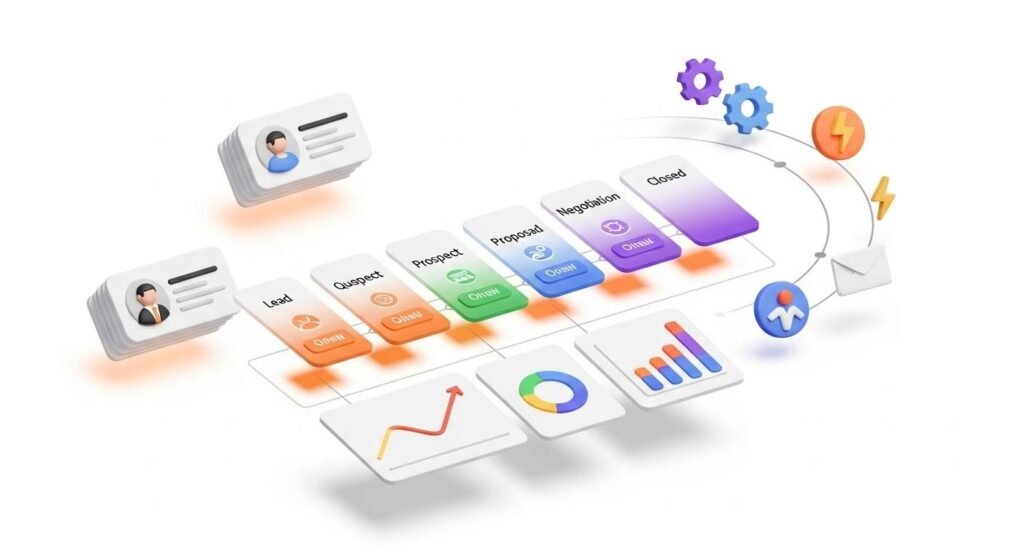
- Sales pipeline management
- Lead status tracking
- Customer history
- Automated follow-ups
- Performance reporting
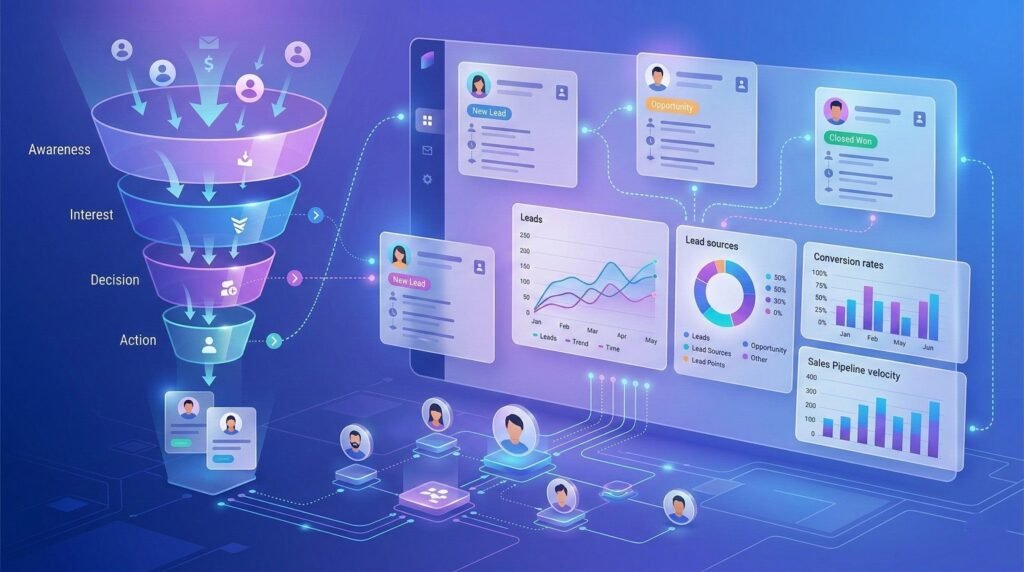
For a growing company, a WhatsApp chatbot connected to CRM and marketing automation can become an important part of the overall sales funnel.
6. Use a WhatsApp Chatbot for Lead Generation
One of the biggest advantages of a WhatsApp chatbot is its ability to support lead generation.
Traditional lead forms require customers to enter information into a website. Some visitors may leave the page before completing the form.
WhatsApp provides a more conversational experience.
For example, an advertisement can encourage users to start a WhatsApp conversation.
The WhatsApp chatbot can then ask:
“Hi! What service are you looking for?”
The customer chooses an option.
The chatbot asks:
“What is your business name?”
Then:
“Which city do you operate in?”
Then:
“What is your approximate monthly marketing budget?”
At the end:
“Thank you. Our team will contact you shortly.”
This process can help businesses collect useful information before a salesperson begins the conversation.
For digital marketing agencies, real estate businesses, education companies, consultants, insurance-related businesses, home-service companies, and other lead-driven organizations, WhatsApp automation can support the entire enquiry process.
The key is to ask relevant questions without making the conversation unnecessarily long.
7. Use a WhatsApp Chatbot for Customer Support
Customer support is another important use case for a WhatsApp chatbot.
Customers often ask repetitive questions. If employees answer the same questions dozens or hundreds of times every day, valuable working hours are lost.
A chatbot can handle common queries instantly.
For example:
Customer: “What are your working hours?”
Bot: “Our customer support team is available Monday to Saturday from 10 AM to 7 PM.”
Another customer might ask:
Customer: “How can I track my order?”
The chatbot can provide the relevant tracking instructions or integrate with the company’s order-management system.
This means customers can receive basic information even outside normal working hours.
However, customer support automation should always include an escalation option. If the chatbot cannot solve a problem, the customer should be able to connect with a human representative.
A combination of automation and human support usually provides a better experience than relying exclusively on either one.
8. Add AI Capabilities to Your WhatsApp Chatbot
Modern businesses can take their WhatsApp chatbot beyond simple button-based automation by adding AI capabilities.
Traditional chatbots generally follow predefined flows. AI-powered systems can provide more flexible responses and help interpret customer messages.
For example, instead of requiring the customer to select:
“1. Pricing
2. Services
3. Support”
an AI-enabled chatbot may understand a natural message such as:
“I want SEO for my local business and I also need help with Google Maps.”
The system can identify the likely requirement and guide the customer toward the relevant service.
AI capabilities can be useful for:
- Natural-language conversations
- FAQ responses
- Customer intent detection
- Lead qualification
- Personalized responses
- Knowledge-base assistance
- Conversation summarization
- Customer support automation
However, AI should be implemented carefully.
Important business information should be controlled through reliable data sources and appropriate workflows. Businesses should also create clear rules for when the conversation needs to be transferred to a human.
An AI-enabled WhatsApp chatbot can be powerful, but good business logic remains essential.
9. Test Your WhatsApp Chatbot Before Launch
Never launch a WhatsApp chatbot without testing it thoroughly.
A chatbot may look perfect during development but fail when real customers use unexpected questions, incorrect inputs, incomplete information, or unusual conversation paths.
Before launch, test:
- Welcome messages
- Buttons
- Menus
- FAQs
- Lead forms
- Invalid responses
- Human handover
- CRM integration
- Notifications
- Follow-up workflows
- Mobile experience
- Response timing
- Error handling
Ask different people to test the chatbot as if they were customers.
For example, one person could ask a straightforward question while another could type an incomplete sentence or change their mind halfway through the conversation.
Testing helps identify broken flows before customers encounter them.
You should also review the chatbot periodically after launch. Customer questions change over time, and the automation should evolve accordingly.
10. Measure WhatsApp Chatbot Performance
Launching a WhatsApp chatbot is not the final step. You should monitor its performance and improve it continuously.
Important metrics may include:
Number of Conversations
How many people are starting conversations?
Lead Conversion Rate
How many chatbot conversations become qualified leads?
Human Handover Rate
How often do customers need assistance from an employee?
Response Rate
How effectively are customers receiving automated responses?
Drop-Off Rate
At which stage are customers leaving the conversation?
Appointment Conversion
How many conversations result in appointments?
Customer Satisfaction
Are customers finding the automated experience useful?
These insights can reveal where your chatbot needs improvement.
For example, if many users leave after the third question, the flow may be too long. If most conversations require human assistance, the chatbot may not be answering the right questions.
Analytics turn a WhatsApp chatbot from a one-time technology project into an ongoing business improvement tool.
How Much Does a WhatsApp Chatbot Cost?
The cost of a WhatsApp chatbot depends on the complexity of the project.
A simple chatbot with basic FAQs and lead collection will generally require less development than an advanced solution with AI, CRM integration, multiple workflows, analytics, and extensive automation.
Factors that can influence the overall cost include:
- Chatbot complexity
- Number of workflows
- Number of integrations
- CRM integration
- AI functionality
- Number of users or agents
- Message volume
- Development requirements
- Maintenance
- Third-party platform costs
- WhatsApp-related messaging charges or policies
Instead of choosing a solution based solely on price, businesses should calculate the potential return from automation.
For example, if a chatbot saves several hours of employee work every day, responds to leads immediately, improves lead qualification, and prevents missed enquiries, its business value can be considerably higher than its initial implementation cost.
A professional provider can evaluate the requirements and recommend a suitable setup.
WhatsApp Chatbot vs Human Customer Support
A WhatsApp chatbot and human customer support should not necessarily be treated as competitors.
They can work together.
The chatbot can manage repetitive tasks such as FAQs, lead collection, appointment requests, and basic information.
Human employees can handle:
- Complex complaints
- Negotiations
- Customized solutions
- Sensitive conversations
- High-value prospects
- Complicated technical questions
This hybrid approach can improve efficiency without removing the human element from customer service.
For many businesses, the ideal model is:
Automation for speed + Humans for complexity.
This allows customers to receive immediate assistance while still having access to a real representative when required.
Benefits of Getting a WhatsApp Chatbot for Your Business
A professionally designed WhatsApp chatbot can provide several benefits.
24/7 Availability
Customers can receive automated responses even outside business hours.
Faster Responses
Instant replies reduce the waiting period for basic enquiries.
Better Lead Management
Customer information can be collected in a structured format.
Reduced Repetitive Work
Employees can spend less time answering the same questions repeatedly.
Improved Customer Experience
Customers receive quick and convenient communication through a platform they already use.
Scalable Communication
Automation can help businesses manage a higher number of conversations without increasing staff at the same rate.
Better Follow-Up
Automated workflows can help businesses reduce missed follow-ups.
CRM Integration
Customer information can move directly into sales and marketing systems.
Marketing Automation
Businesses can build automated customer journeys around permitted WhatsApp communication.
Consistent Communication
The chatbot can deliver standardized information and reduce inconsistencies between different representatives.
Industries That Can Use a WhatsApp Chatbot
Almost any industry that communicates with customers can potentially benefit from a WhatsApp chatbot.
Healthcare
Clinics and healthcare organizations can use automation for appointment enquiries, basic FAQs, reminders, and support workflows.
Real Estate
Property businesses can collect customer preferences such as location, budget, property type, and purchase requirements.
Education
Schools, colleges, coaching institutes, and training businesses can automate course enquiries, admissions information, and lead qualification.
E-Commerce
Online stores can use automation for product questions, order information, customer support, and notifications.
Restaurants
Restaurants can use WhatsApp automation for menu enquiries, reservations, offers, and customer communication.
Digital Marketing Agencies
Agencies can use chatbots to collect business details, identify marketing requirements, qualify leads, and schedule consultations.
Travel Businesses
Travel companies can automate initial enquiries about destinations, packages, availability, and customer requirements.
Service Businesses
Professionals and service providers can automate enquiries, quotations, bookings, and follow-ups.
The important point is to build the chatbot around the specific customer journey of each industry.
Why Choose Professional WhatsApp Chatbot Development?
Although basic automation can sometimes be created using ready-made tools, businesses with more complex requirements may benefit from professional WhatsApp chatbot development.
A professional development team can help with:
- Requirement analysis
- Conversation-flow planning
- WhatsApp setup
- Chatbot development
- API integration
- CRM integration
- AI chatbot development
- Marketing automation
- Testing
- Analytics
- Maintenance
- Optimization
This becomes especially important when a business wants the chatbot to connect with existing systems.
For example, a company may want its WhatsApp chatbot to communicate with its website, CRM, payment system, customer database, or marketing automation platform.
A properly planned technical architecture can make future expansion easier.
How Digital Marketing India Can Help You Get a WhatsApp Chatbot
Digital Marketing India, led by Saurabh Kumar with 15+ years of experience in digital marketing, provides automation and communication solutions for businesses that want to improve their digital customer journey.
The automation services include:
- WhatsApp Marketing
- Bulk SMS Marketing
- Voice Call Marketing
- IVR & Promotional Calls
- WhatsApp Chatbot Development
- AI Chatbot Development
- Website Live Chat Integration
- Marketing Automation
- CRM Integration
- Email Marketing Automation
- Lead Nurturing Automation
The objective is to connect customer communication with broader marketing and sales processes.
For businesses that want more than a basic automated reply system, a customized WhatsApp chatbot can be developed according to the business’s requirements.
A customized approach can include lead collection, automated FAQs, customer qualification, human-agent handover, CRM integration, website integration, AI-powered conversations, and marketing automation.
Along with automation solutions, Digital Marketing India also provides Website & App Development, SEO Services, Social Media Marketing, Paid Advertising, Creative Services, Video Production, Content Marketing, Analytics & Reporting, and Online Reputation Management.
This broader service capability can be useful for businesses that want their WhatsApp automation to work as part of a complete digital marketing strategy rather than as an isolated tool.

Final Thoughts: Is a WhatsApp Chatbot Right for Your Business?
A WhatsApp chatbot can help businesses communicate faster, capture leads, automate repetitive conversations, provide customer support, and connect WhatsApp communication with CRM and marketing systems.
However, successful automation is not simply about installing a chatbot.
The real value comes from designing the right customer journey.
Start by identifying the repetitive tasks your team handles every day. Then decide which conversations should be automated, which information the chatbot should collect, when customers should be transferred to a human, and which systems need to be connected.
A simple chatbot may be enough for one business, while another may require AI, CRM integration, lead nurturing, analytics, and advanced workflows.
If your business receives regular enquiries through WhatsApp, investing in a professionally designed WhatsApp chatbot can be an effective way to improve response speed, organize leads, reduce repetitive work, and create a more scalable customer communication process.
The best time to automate is when manual communication starts slowing down your business.
With the right strategy, technology, and implementation partner, WhatsApp can become much more than a messaging platform—it can become an important part of your sales, support, and marketing system.
About Saurabh Kumar
Saurabh Kumar has 15+ years of experience in digital marketing and works across website development, SEO, social media marketing, paid advertising, automation, communication solutions, creative services, video production, content marketing, analytics, and online reputation management.
Digital Marketing India
Official Address:
S15-00709, Vaidehi Niwas, Bhairomunna Link Road
Sahnewal, Ludhiana, Punjab – 141120
Contact: +91 76966 77728
Digital Marketing India Services
Website & App Development: Business Website Development, E-Commerce Website Development, Custom Web Applications, Mobile App Development, Landing Page Development, Website Maintenance & Support.
SEO Services: Local SEO, On-Page SEO, Off-Page SEO, Technical SEO, E-Commerce SEO, Google Business Profile Optimization, SEO Audit & Competitor Analysis.
Social Media Marketing: Facebook Marketing, Instagram Marketing, LinkedIn Marketing, YouTube Marketing, Social Media Management, Content Creation & Strategy.
Paid Advertising: Meta Ads, Google Ads, YouTube Ads, LinkedIn Ads, Remarketing Campaigns, Lead Generation Campaigns.
Automation & Communication Solutions: WhatsApp Marketing, Bulk SMS Marketing, Voice Call Marketing, IVR, WhatsApp Chatbot Development, AI Chatbot Development, Website Live Chat Integration, Marketing Automation, CRM Integration, Email Marketing Automation, Lead Nurturing Automation.
Creative Services: Graphic Designing, Social Media Creatives, Logo Design, Banner & Brochure Design, Brand Identity Design.
Video Production: Video Editing, Reels Editing, YouTube Video Editing, Corporate Videos, Motion Graphics, Promotional Videos.
Content Marketing: Content Writing, Blog Writing, Website Content Writing, SEO Content Writing, Ad Copywriting.
Analytics & Reporting: Google Analytics Setup, Conversion Tracking, Performance Reports, ROI Analysis.
Online Reputation Management: Google Review Management, Brand Monitoring, Online Reputation Building.